
Is an OBD scanner the tool you never knew you needed?
If you watch any automotive YouTube, and let’s face it, if you’re here, you probably do, then you will have heard of Car Vertical. In short, Car Vertical allows you to run a check on any used car you are looking to purchase. You can see whether it has a dodgy past in terms of mileage, finance or crash damage. It will tell you if a car was stolen and recovered, or wrapped around a tree only to be put together again. To do this, they make use of vast amounts of data. Data, scoured from insurance companies, MOT (UK Roadworthy) centers, police records and more.
This seems like an absolutely VITAL tool for anyone looking at used cars. Especially in South Africa, where Facebook Marketplace has more dodgy cars and scammers than Nigeria has recently deceased princes with exceptionally large fortunes. Unfortunately for us, Car Vertical does not have access to the kind of information it requires in order to build its reports in SA. This means the average car buyer is basically left to their own devices. We have to figure out which ones are the good ones and which ones to avoid, for ourselves.
So how do we arm ourselves against the ocean of dodgy dealers and outright scammers? Well there are plenty of good YouTube guides on buying a second hand car. I would also add, look for model specific guides that tell you what to look for on any particular car. And finally, I would add my magic tool. The one thing that has saved me from buying a lemon more than any other. Oft over-looked, but, in my opinion, indispensable.
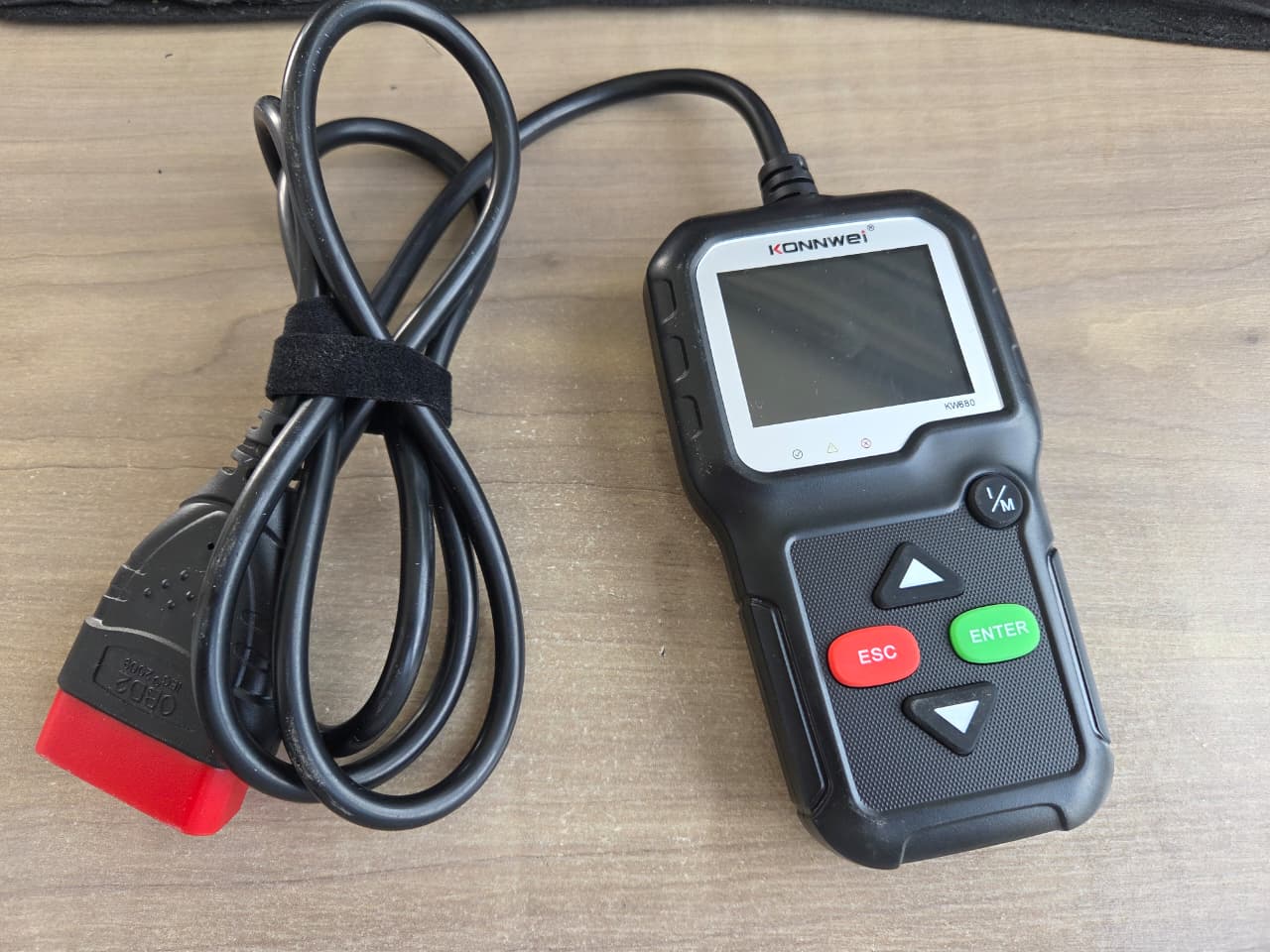
You can see some engine parameters and error codes
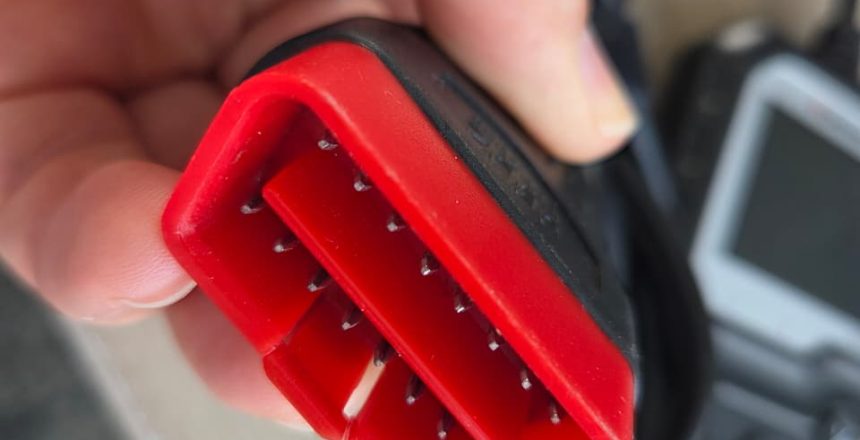
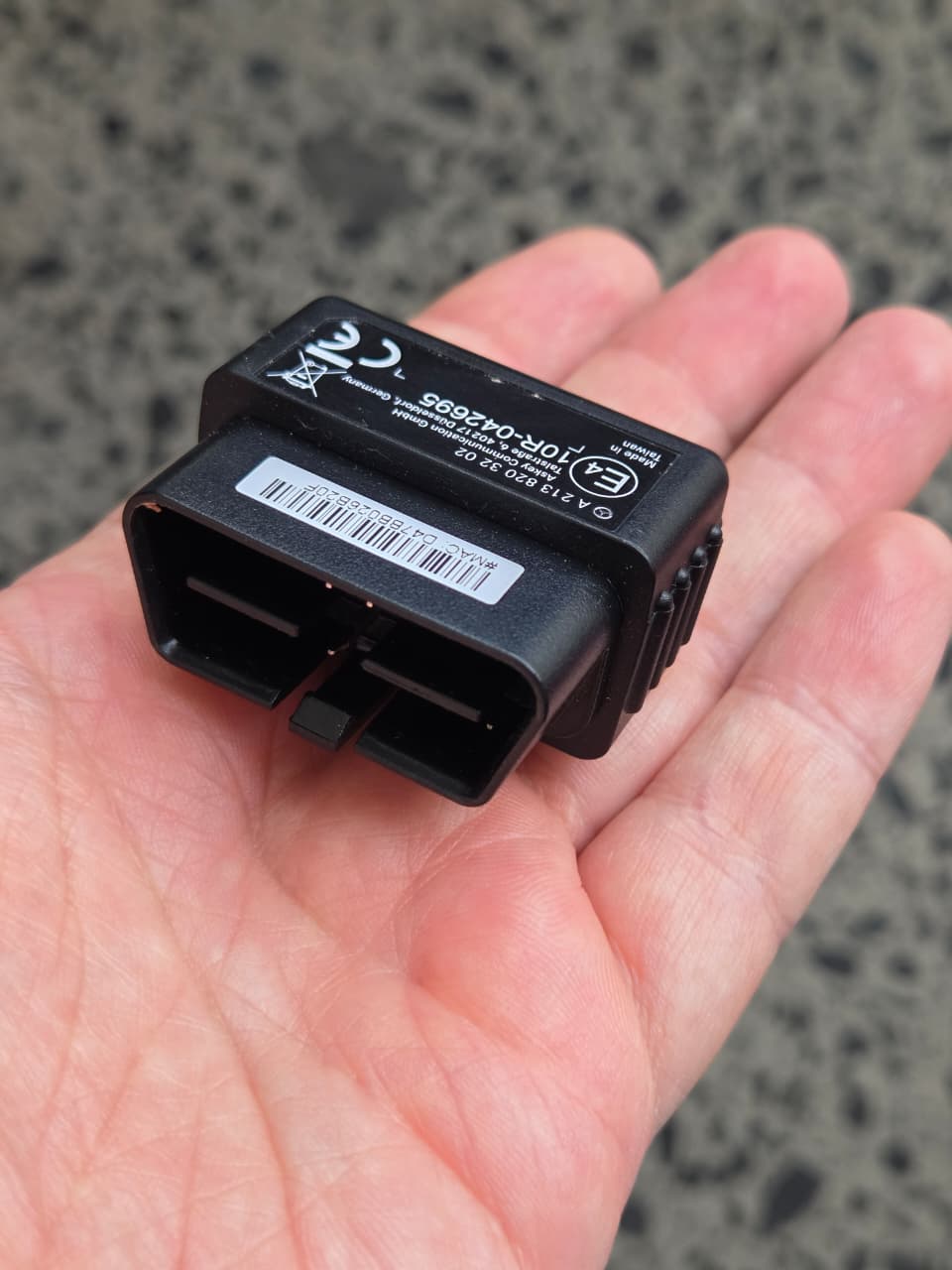
Every car since 1996 has, by law, an OBD2 or OBDII port. This potentially gives you a direct connection to the car’s electronic brain. Or more specifically, brains (multiple). These tools come in various shapes and sizes. From your cheap Bluetooth adaptors that connect to an app on your phone, all the way to your professional grade laptops and tablet based Diagnostic systems. Generally speaking, the former will give you only very basic functionality. You can see some engine parameters and error codes. However, it may not be able to access other modules on the car, such as body control modules etc. The latter gives you much more model specific access to the car’s various modules. The best systems will allow you to calibrate electric seats, windows, mirrors etc. As well as see every piece of information from every sensor on the engine and everything else on the car.
So why is this useful?
Mileage:
Modern cars are much harder to “turn back” than old cars with mechanical odometers. However, there are easily installed devices that can slow down odometers in modern cars. So for every 100km driven the odometer might only move 20km. Generally speaking, these devices will only act on the guage cluster module. Most cars these days will record the mileage not only on the cluster, but on several other modules throughout the car, if not all the different modules. So if you notice that the guage cluster reads 20,000km but the engine or gearbox module reads 120,000km, you might want to ask questions. An OBD reader allows you to read mileages from various modules on the car, making it easy to check.
Mechanical and Electrical Problems:
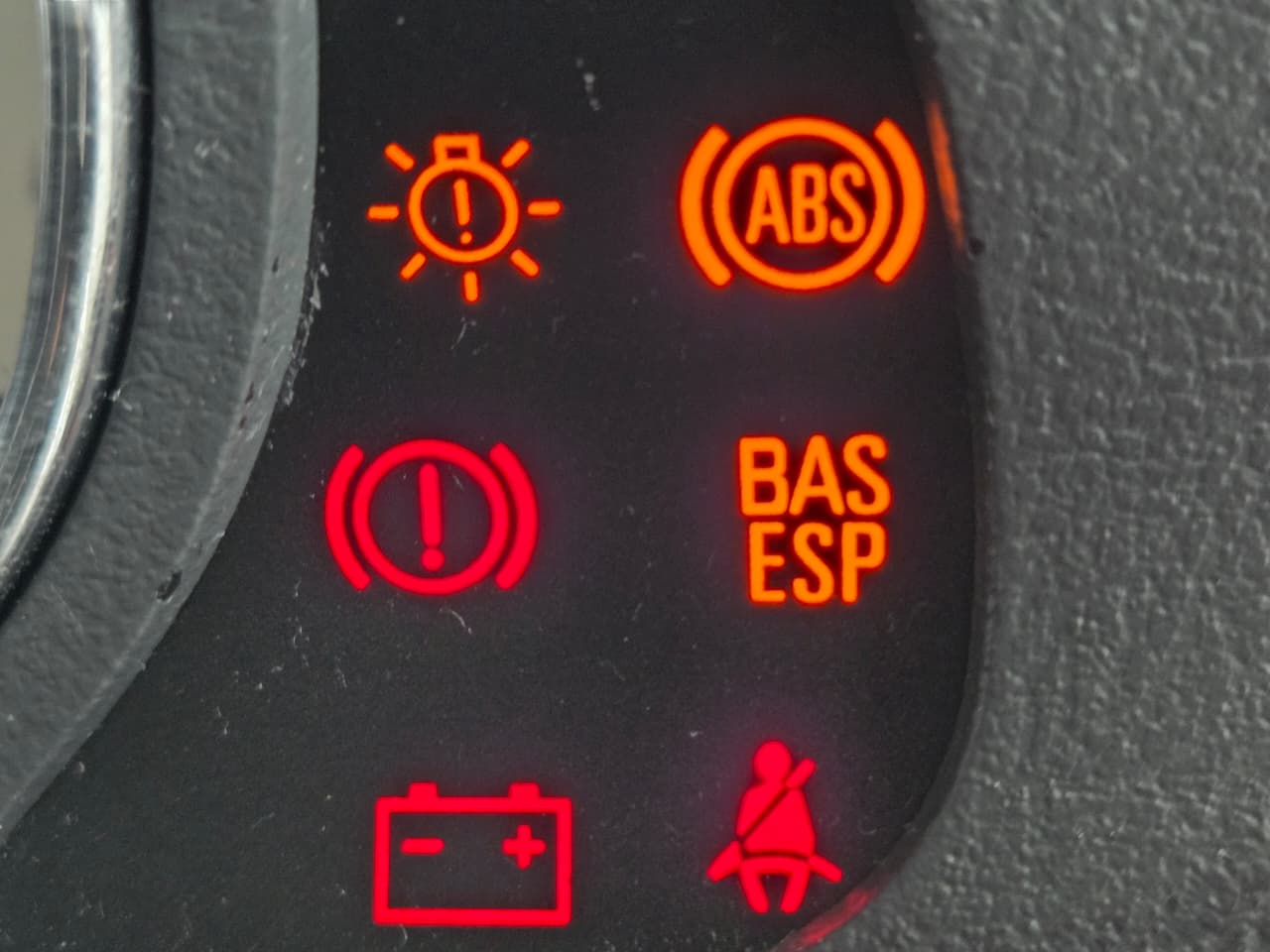
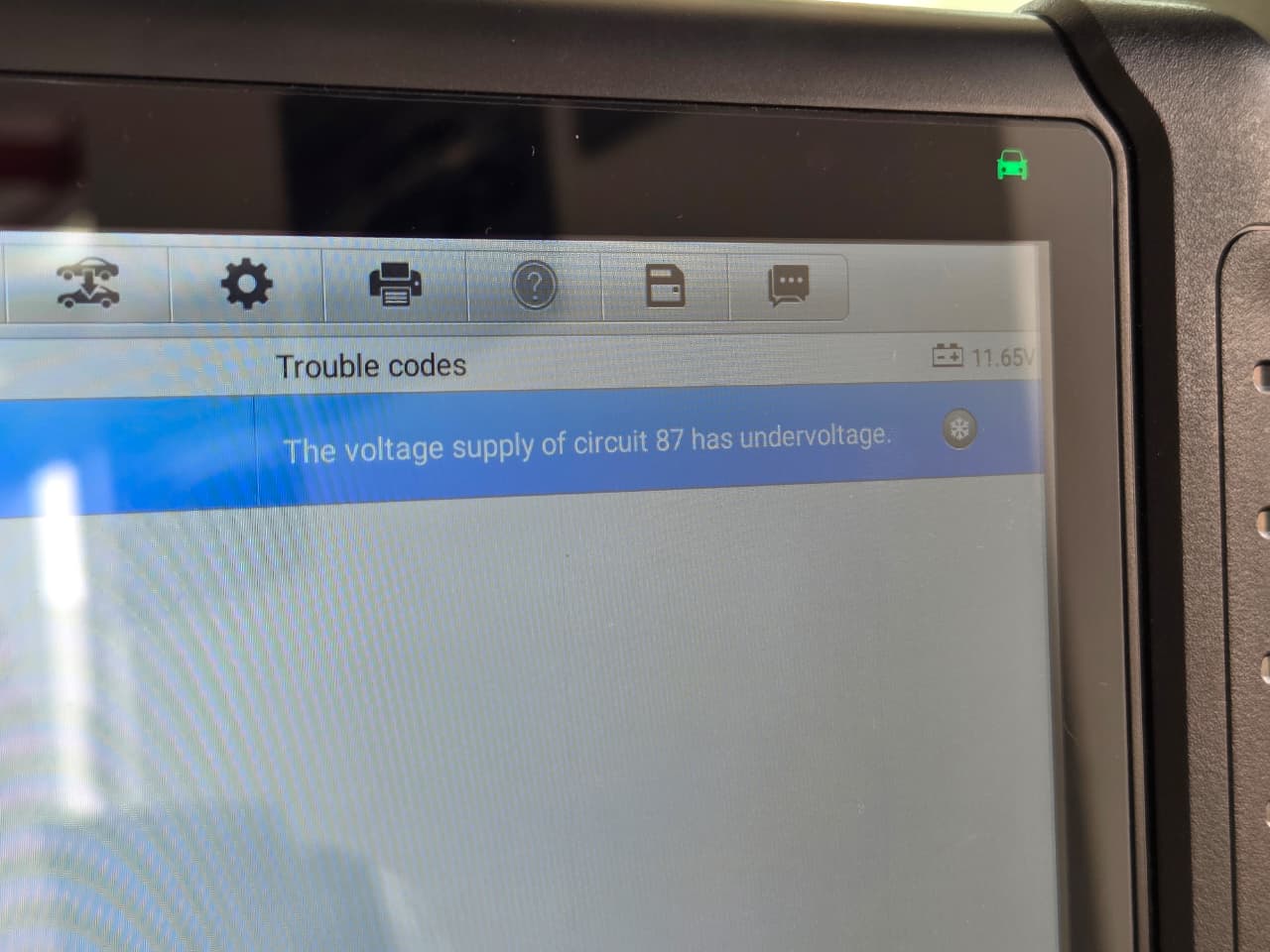
Obviously, this is the intended purpose of an On Board Diagnostic system. Plug your OBD reader into the car and it will often tell you if the car has had any problems in the past or has any problems currently. Interestingly though, most cars will also tell you when, or how long ago, error codes were last cleared. So if you see that error codes were cleared off the car, just prior to your viewing, you know they might be trying to hide something.
Depending on the level of access your device has to the particular car you are plugging into, you may only get the code, rather than an explanation of the error. However, punch that code into google along with the car’s make and model, and google will tell you exactly what you are dealing with.
On your own car, these devices are also very useful to keep your mechanic honest, or to clear pesky error lights from your dashboard.
Accident Damage:
When it comes to accident damage, things become a little more complicated. Not ALL makes and models will store accident events on the car’s computers, so whether or not it tells you anything can be a little hit and miss. However, more and more, we are seeing that cars have such complicated safety systems, that they are able to give you more information. For example, some cars would have a “Crash Detection” parameter that will basically be counter of how many times the car’s computer detected a collision. Some cars will also permanently record whether or not airbags have ever been deployed.
Wear and Tear:
On supercars, like Ferraris and Lamborghinis, you may want to know how the car was driven. You may want to know the clutch wear. You may want to know whether the launch control was used every time it was driven.
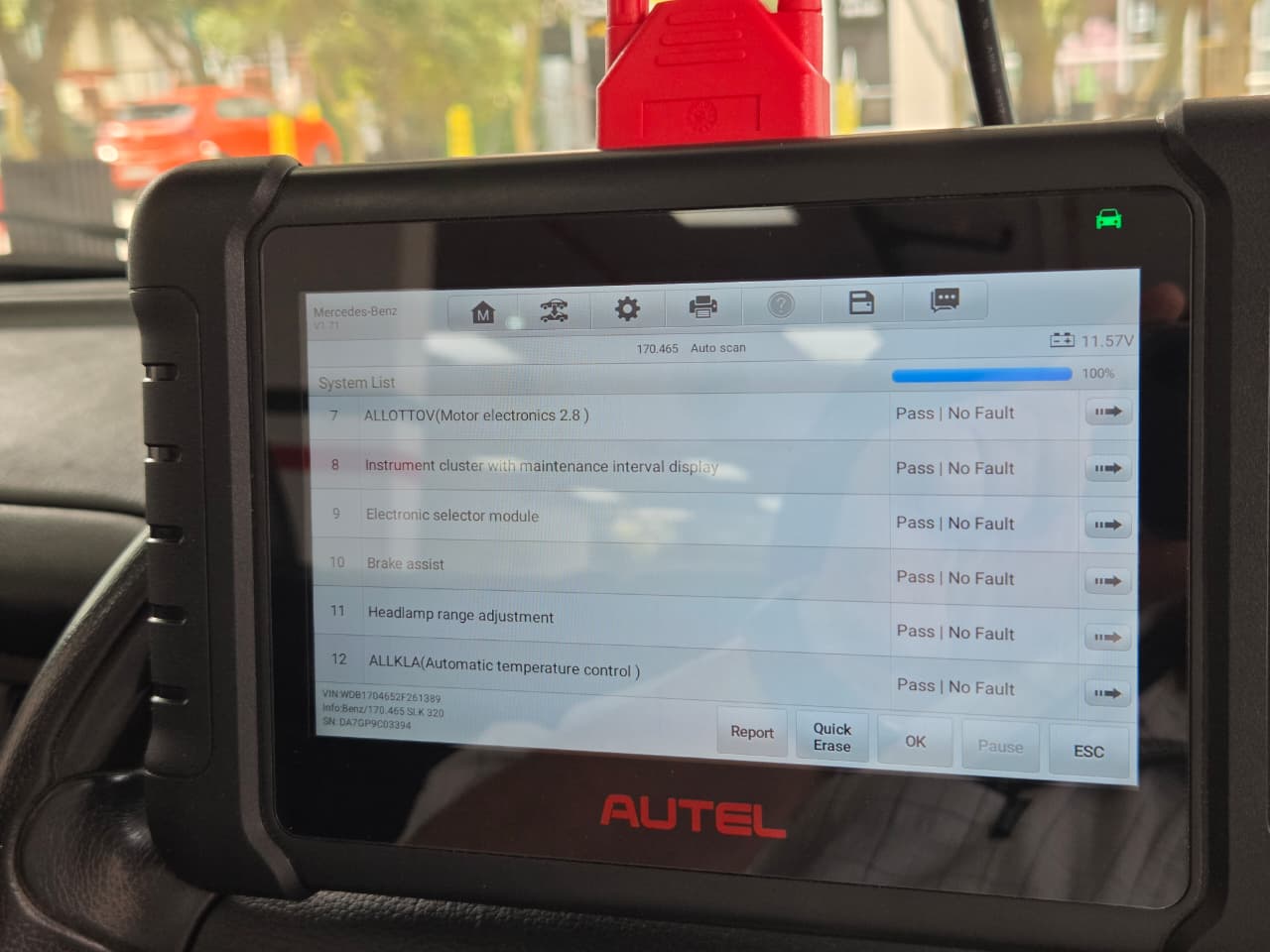
Whilst an OBD will be able to give you all of this information, it is important to understand, you can ONLY access this information with a scan tool that has full access to all of the modules on that particular car. This may require additional software, licensing or a specific scan tool.
With the correct tool though, you can see how many times launch control was used. You can see the percentage of clutch life still left over. You can also see the number of heat cycles on the engine, which will tell you whether the car did lots of cold starts and short trips.
Work Arounds:
Obviously manufacturers will try to lock you out of their systems as much as they can. Often this will mean that you may not be able to access certain functions that you really wanted to. However, if you know a little bit about manufacturing and who these brands partner up with, you can often trick the tool into thinking you are actually connected to another car.
For example, there are certain modules on an Aston Martin, that my scan tool can not access. However, I CAN access those modules on a Ford. Simply tell my computer that it’s actually talking to a Ford and not an Aston and suddenly it’s happy to talk. Similarly, my scan tool is not able to access clutch wear information on Ferraris with the F1 gearbox. However, it is perfectly happy to access information from a Maserati CambioCorsa gearbox. Tell the scanner it’s talking to a Maserati and suddenly the Ferrari spills the beans.
In Conclusion
In conclusion, you can get lots of scan tools for very small amounts of money. You really will get the access that you pay for though. So invest as much as you can afford in a good tool, with software that is able to be updated. Whilst 10k-20k might sound like a lot of money to spend on a tool you never knew you needed, it will pay itself back several times over. And once you have it, you’ll be amazed at how much you use it. Obviously you could spend a lot more, but then you really are going for overkill!
Even your most basic R150 OBD is worth having for just doing a quick check on a potential purchase, so if you’re unsure, at least start there. However, with cars being so electronic these days, they store tons of information. Wouldn’t you like to know what it knows before you spend hundreds of thousands on a car that could potentially be hiding major issues?
This is the Autel Diagnostic Scanner that I use most.
Here you will find my Konnwei Scanner – a nice entry level scanner with a few more functions than the most basic scan tools.
If you’re looking for proof of concept and nothing more, this is the cheapest way to look inside your car’s head, the ELM327 Bluetooth OBD reader.